If you have canvassing experience and want to do canvassing on your own without attending a One Team Michigan or similar event you can use the turf selection tool to find and pick a turf to go canvass when you want.
¶ Webpage with map
The turf picker checks who you are using our volunteer slack workspace. When you first go to the website it might ask you to enter the slack workspace url.
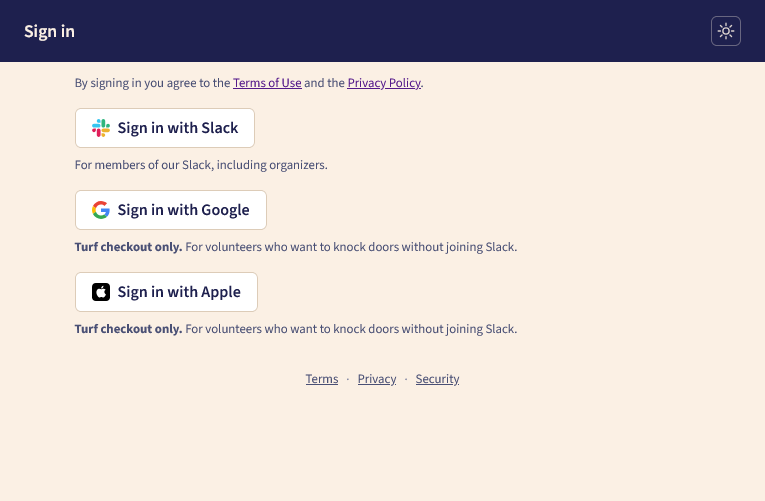
¶ Slack sign in process
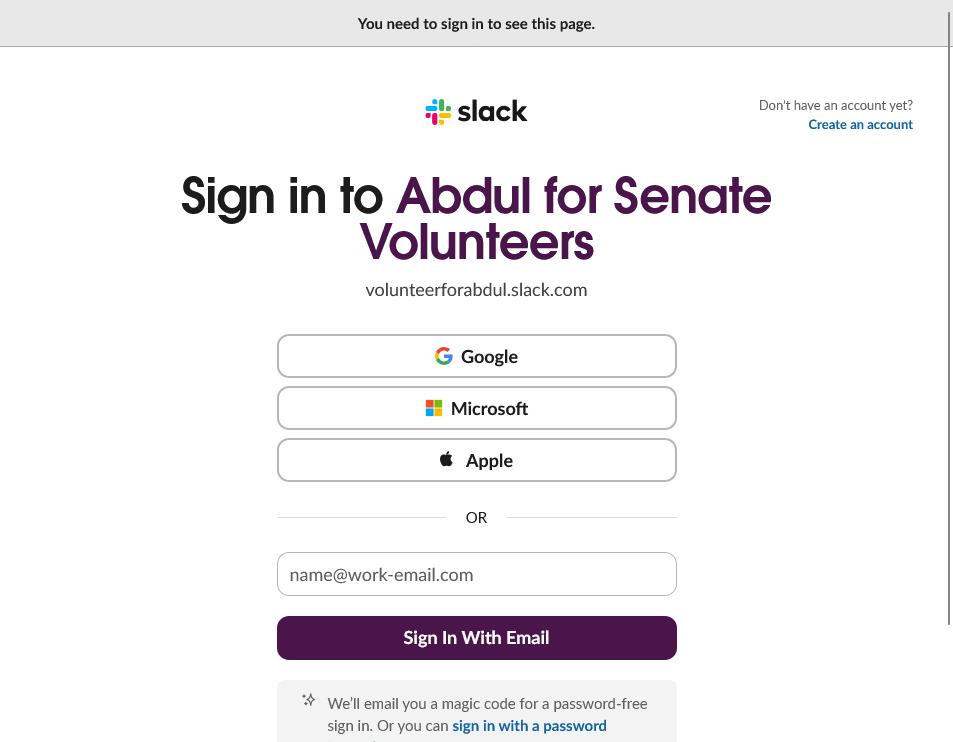
If you select slack just sign in with the method you used when you first joined the volunteer slack.
Note that the “Create an account” link in the top right will ask you to use an @abdulforsenate.com email address and will not work. If you need to create a slack account go to https://go.abdulforsenate.com/groupchat.
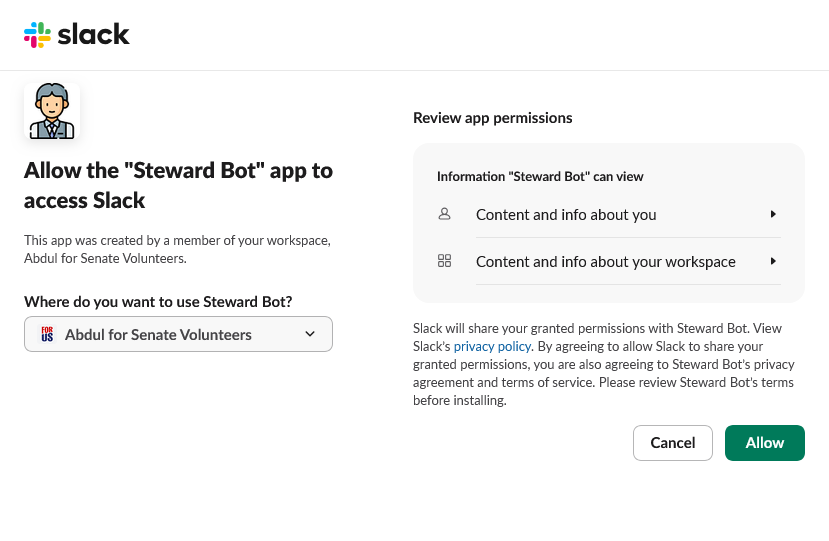
Then you'll need to let our slack integration see who you are in slack. Click “Allow” on this screen.
¶ Google sign in process
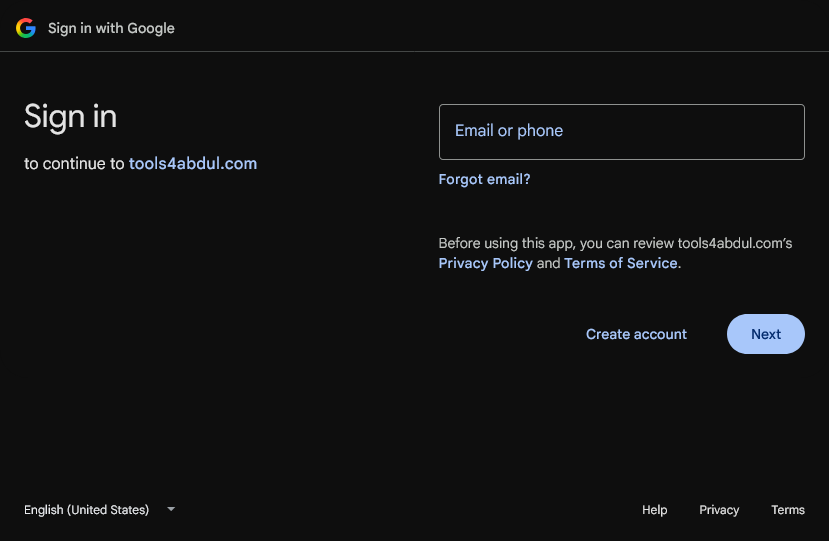
Signing in with google is simple. Just enter your email or phone number and then your password and you should be redirected back to the turf picker site
¶ Apple sign in process
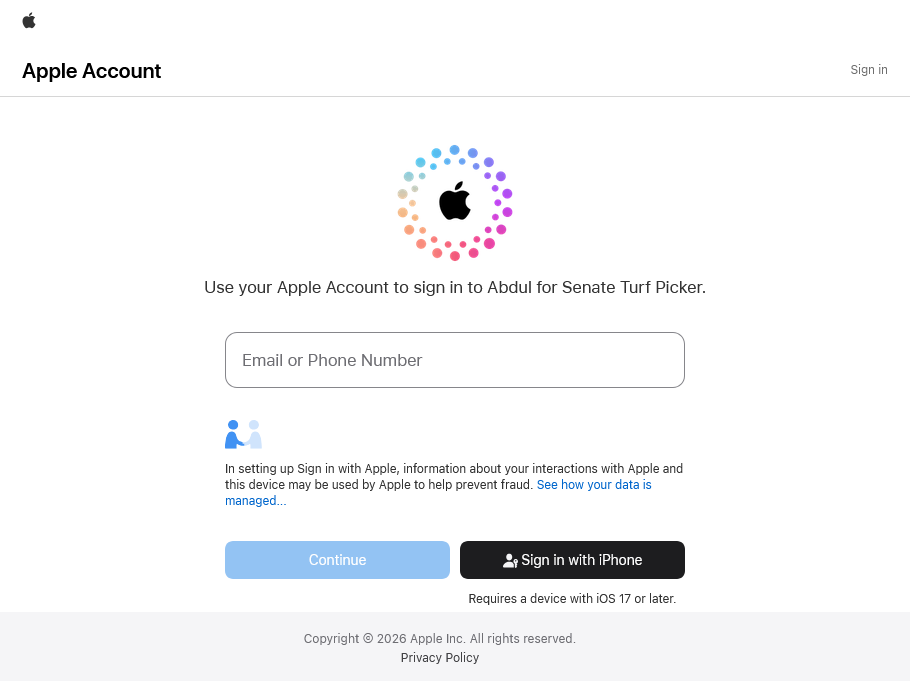
For an apple log in enter your email or phone number and password.
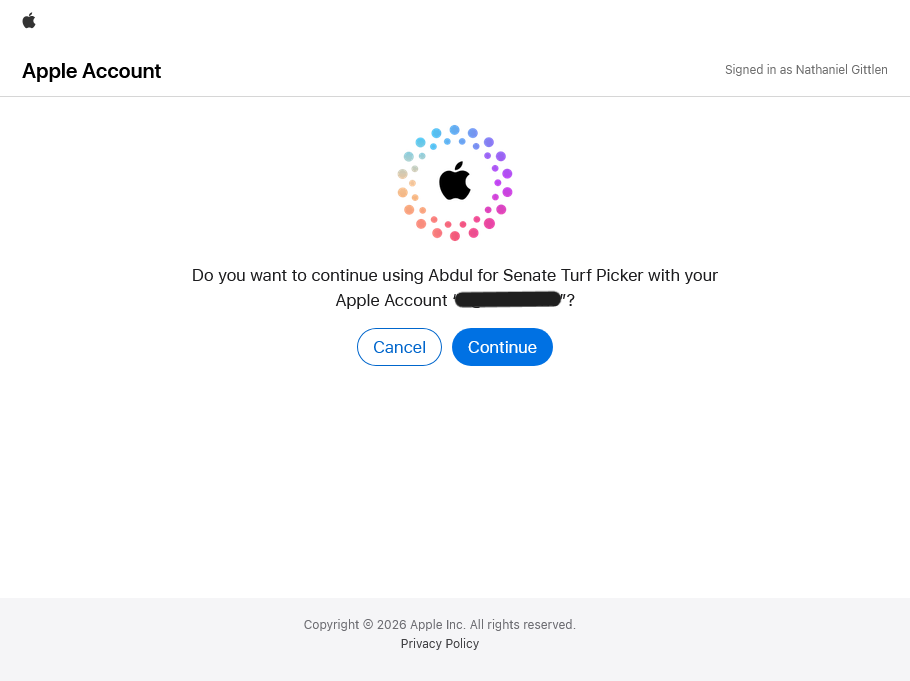
After you get logged in click “Continue”
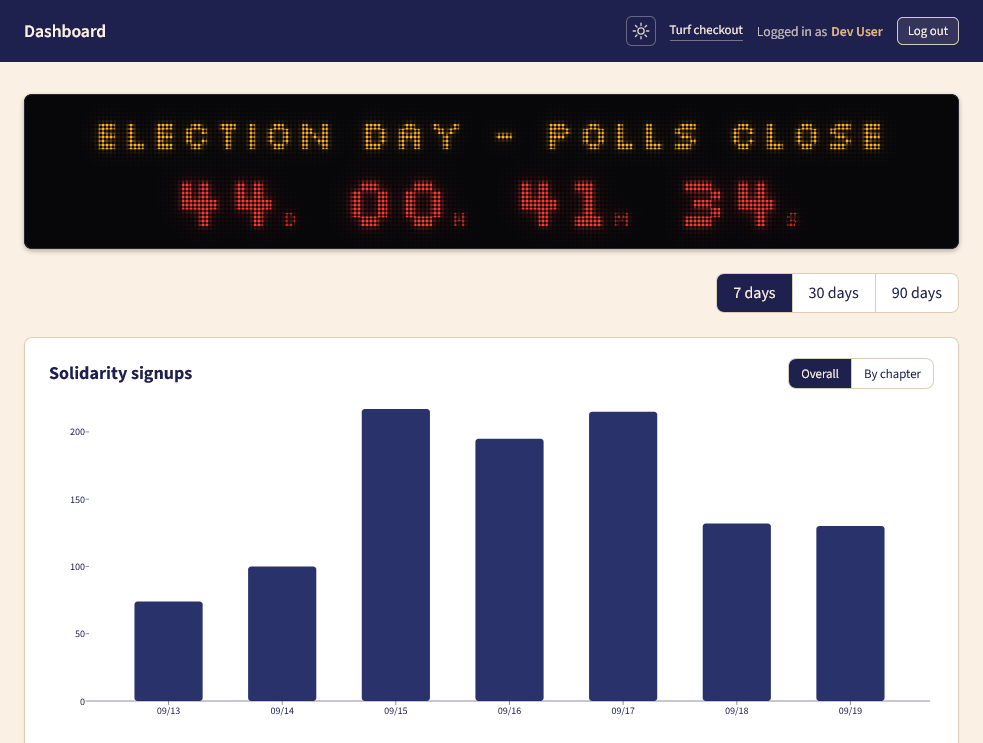
If you see this screen just click the “turf checkout” link at the top right.
If you just get put back into slack just go back to https://slack.tools4abdul.com/turfs and you will be logged in.
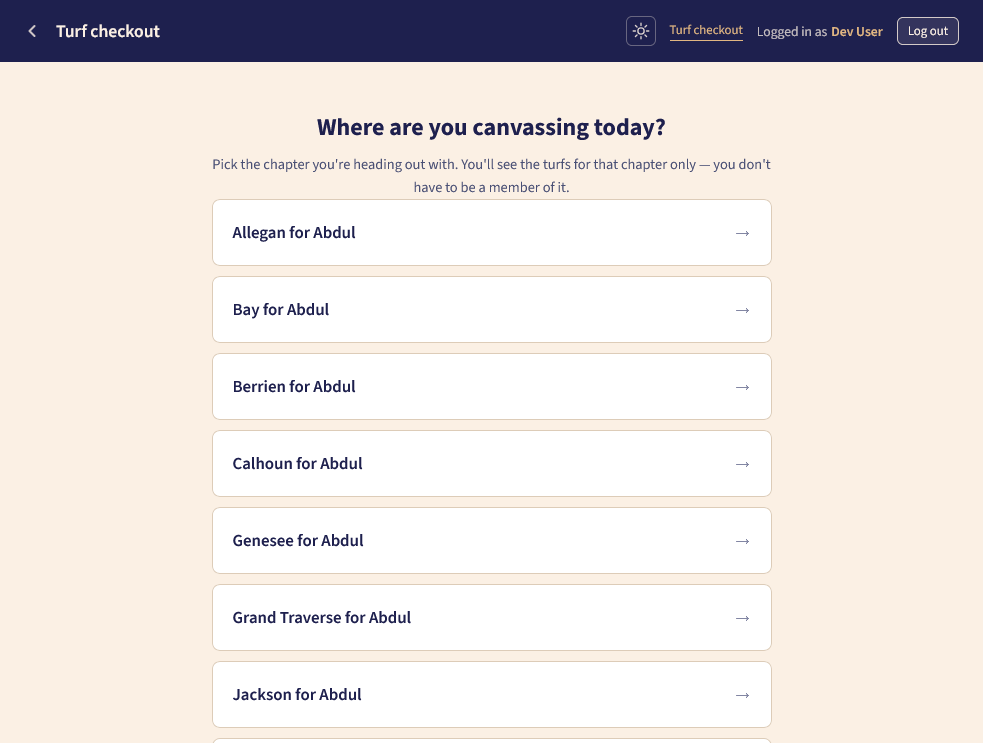
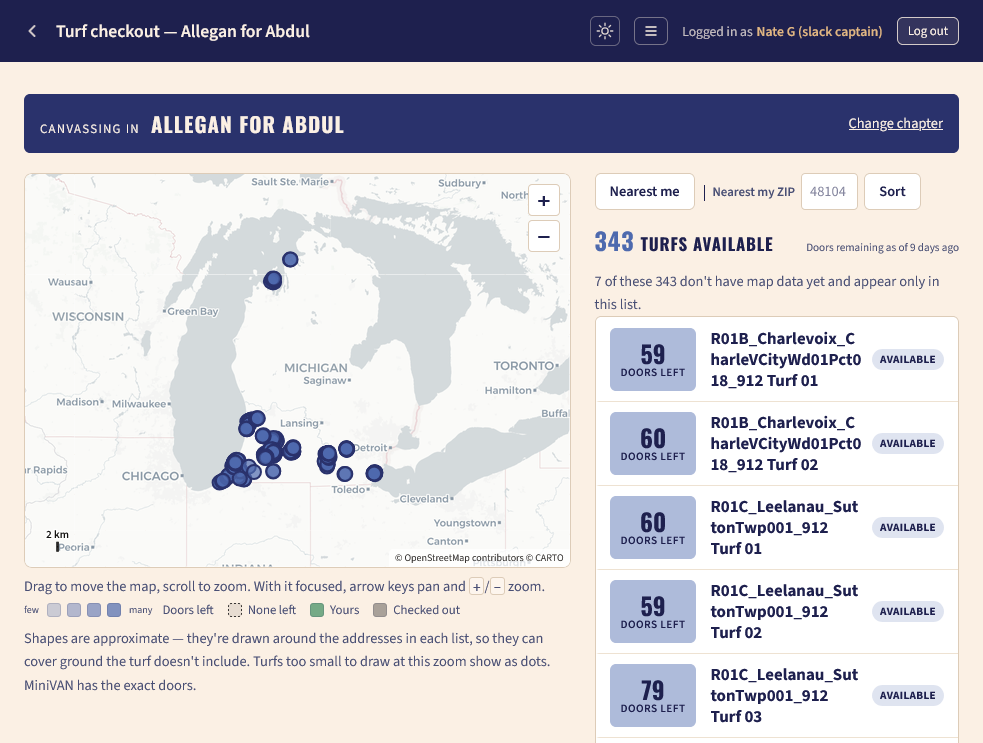
Then pick a chapter to see the turfs in that chapter. It could be the chapter you're in or one you want to travel to.
Now you can pan and zoom around the map to find a turf you want to check out and canvass. In a smaller chapter you might see a full map of Michigan at first and you should zoom in to where you want to canvass to see the local turfs there.
You can click the sort by “Nearest me” button to have the page request your location and put the turfs closest to that location at the top of the list or enter your zip code to have the turfs closest to the center of that zip code at the top of the list.
On the map lighter-colored turfs have fewer available doors. Grey turfs are checked out by someone else and cannot be claimed. Turfs with dashed outlines have no doors remaining. Green turfs are ones you've claimed.
If you want to change to a different chapter click the “Change chapter” link at the top right. You might need to scroll back to the top of the page to see this.
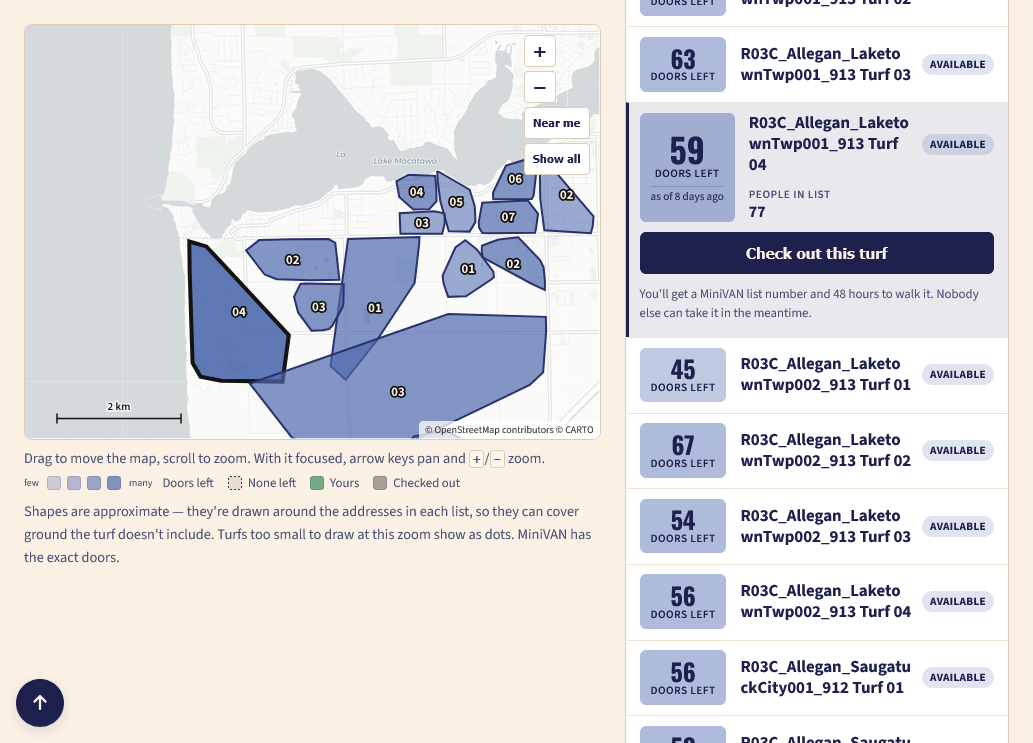
When you click on an available turf in the map or in the list you'll see the button to check it out.
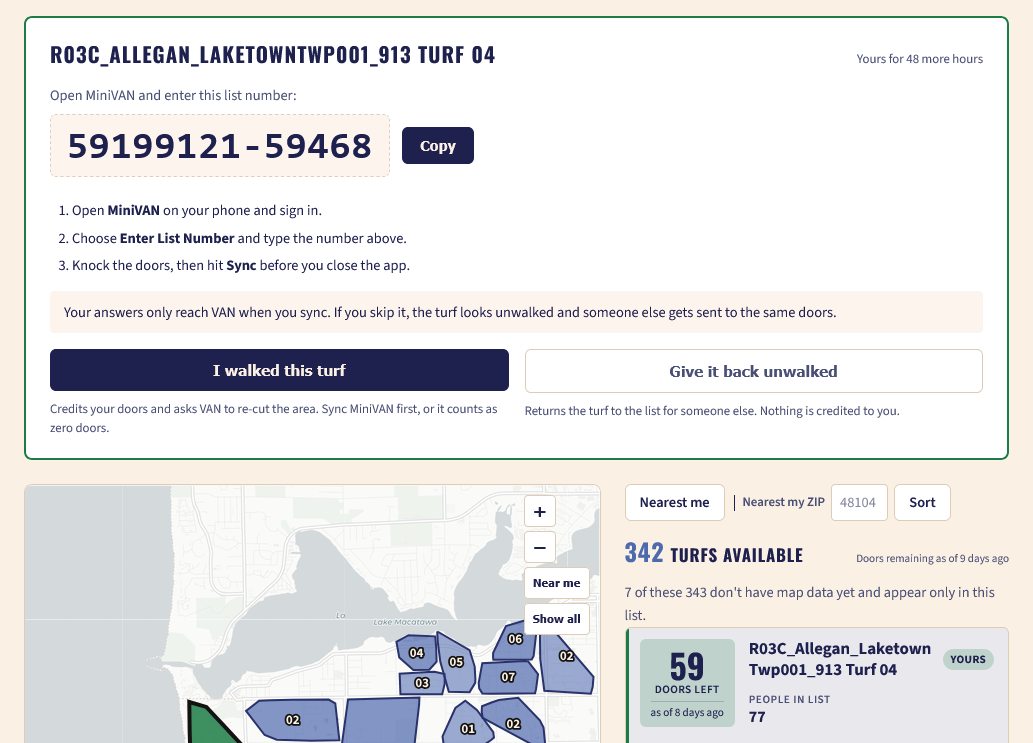
When you check out a turf you'll see the miniVAN list number for your turf. Open the miniVAN app and enter that code to see the exact doors you'll canvass just like a code you would get from a canvassing event.
After you walk the turf come back and click the “I walked this turf” button to tell us that you completed it. This will let us credit you with the doors in our system.
If you checked out a turf and can't walk it for any reason click the “Give it back unwalked” button and the turf will return to the pool of available turfs for someone else to claim.
If you do not walk the turf within 48 hours of checking it out it will be automatically returned to the pool. You will receive a direct message from Steward Bot in slack alerting you six hours before your turf is returned to the pool.
¶ Slack turf checkout
You can also get a turf without ever leaving slack. Just type /turfs [address]in slack to see turfs near that address. For example /turfs 123 N Main St Ann Arbor, MI or /turfs 48104 will show you the closest turfs to that address and let you check one out. You can also see the next five turfs if you don't like any of the options presented to you or click the link at the bottom to open the webpage (as shown above) and look around the map.
Note that this list of turfs is only visible to you. Other people in slack won't see it.
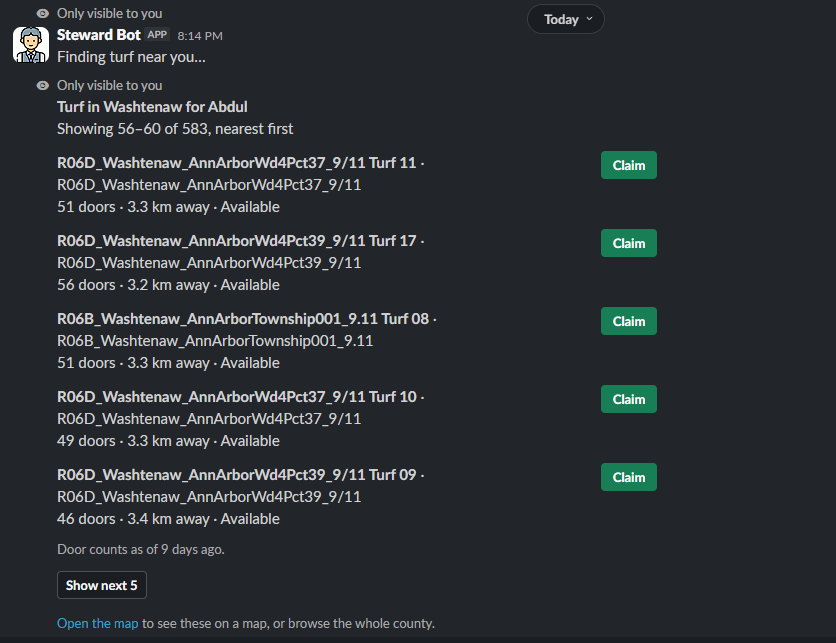
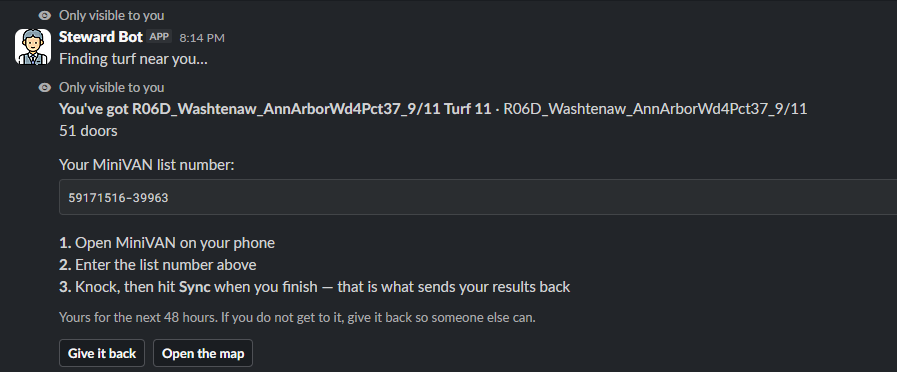
When you click the “Claim” button you'll get a new message from the Steward Bot with the miniVAN list number for that turf. Enter that list number in miniVAN like you would a list number you get at a canvassing event. If you claimed a turf by mistake you can click the “Give it back” button to immediately return that turf to the pool for other people to claim. You can also open the map website to see where the turf you claimed is on the map.
You'll have 48 hours to walk the turf before it is automatically returned to the pool. You will get a message from Steward Bot six hours before the 48 hour limit.
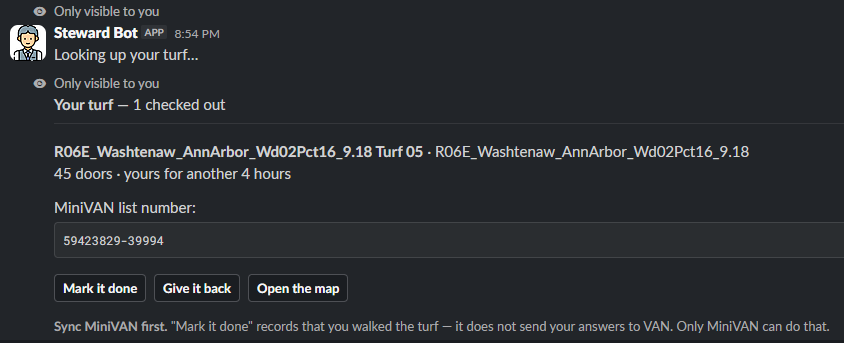
If you need to look up turfs you've checked out you can use the /turfs-mine command to see a list of the turfs you've checked out and either give them back or mark them as walked.
If you run into any issues or have questions message Nate G (slack captain)in slack.